
Mugé from Pixabay
Effective site navigation improves user experience, supports search engine indexing, and helps pages rank for target queries. This guide explains why navigation matters, shows practical patterns and technical best practices, and answers common questions to help you design a navigation system that both users and search engines can follow.
Why navigation matters
Navigation is the bridge between content and discovery. A clear structure helps visitors find information quickly, increases engagement and conversions, and signals topic relationships to search engines. When menus, links, and internal pathways are intuitive and consistent, users spend more time exploring and search engines can better understand and index your content hierarchy.
Key principles
- Clarity: Use familiar labels and a predictable layout so users can instantly understand where to look.
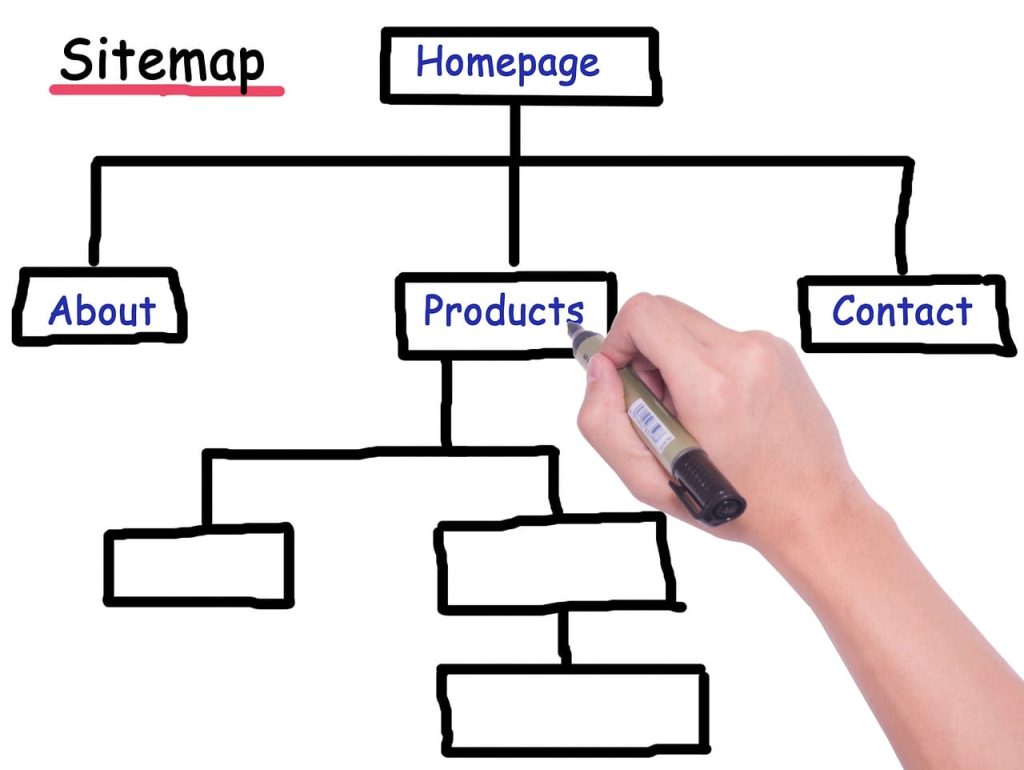
- Hierarchy: Group related pages under parent categories to express topical relationships and guide crawl priority.
- Consistency: Keep navigation elements and naming uniform across pages to reduce friction.
- Accessibility: Ensure menus are keyboard- and screen-reader-friendly and avoid JavaScript-only access for important links.
- Performance: Prioritize lightweight navigation code and avoid excessive redirects or link chains that slow crawling and indexing.
Practical navigation patterns and when to use them
Choose patterns based on site size, content complexity, and user goals. Below are common patterns with clear guidance.
Top Horizontal Menu
Best for websites with up to a few dozen primary pages. Place main categories in a horizontal bar at the top to expose key areas immediately. Use drop-downs sparingly — only one level deep if possible — to maintain usability on mobile.
Sidebar navigation
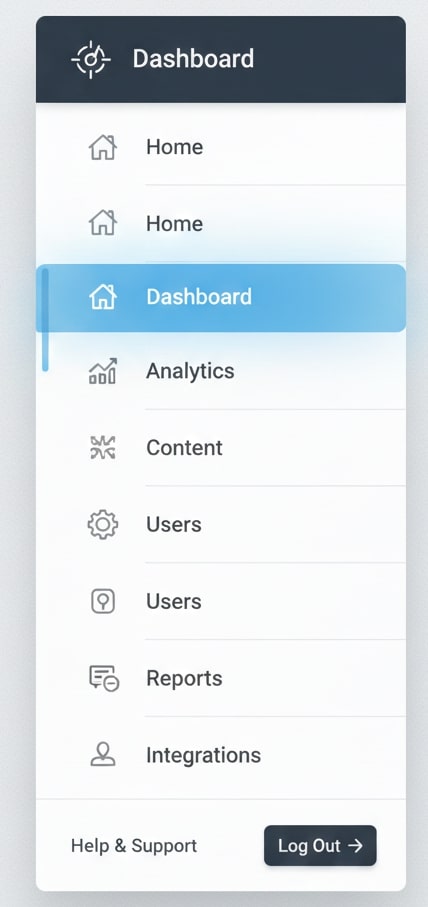
Ideal for content-heavy or documentation sites. A left-hand sidebar supports deep hierarchies and persistent contextual links. Keep the active section highlighted and collapse subtrees to avoid overwhelming users.
Mega menus
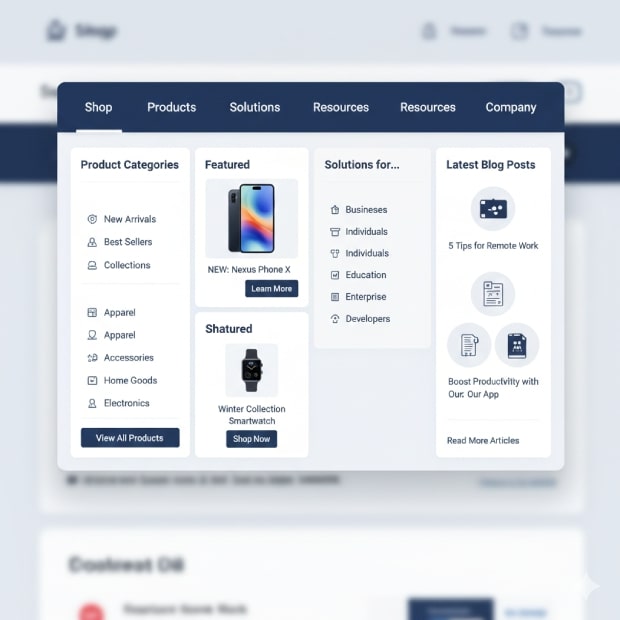
Useful for large e-commerce or news sites with many categories. Organize content into clearly labeled columns with section headers, featured links, and quick filters. Ensure mega menus are keyboard accessible and load quickly to avoid harming crawlability.
Hamburger menu (mobile)
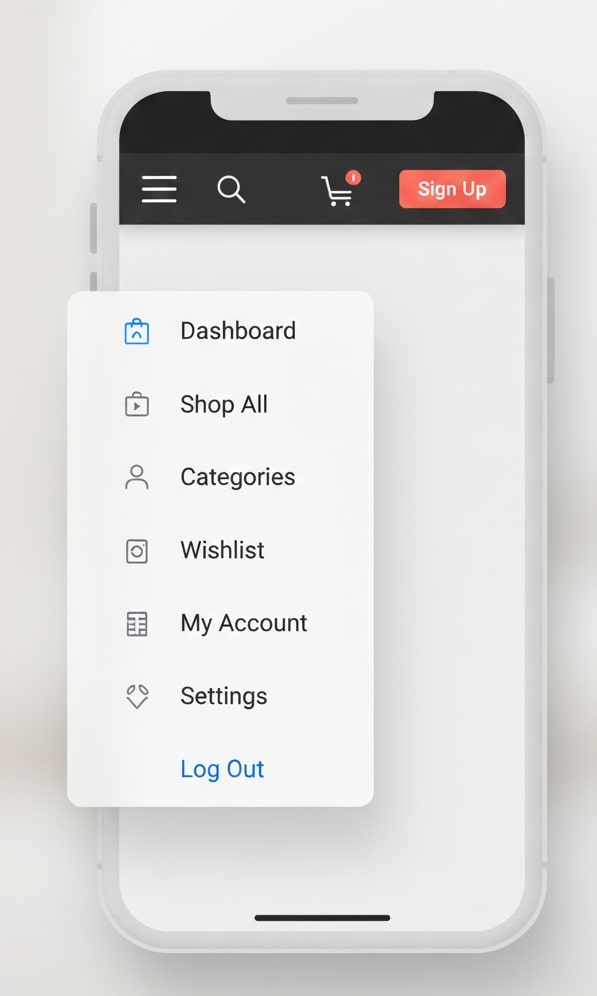
Common on mobile sites to save screen space. Hamburger menus hide navigation behind an icon, so combine them with visible key actions like search, cart, or a prominent CTA to reduce friction.
Faceted navigation
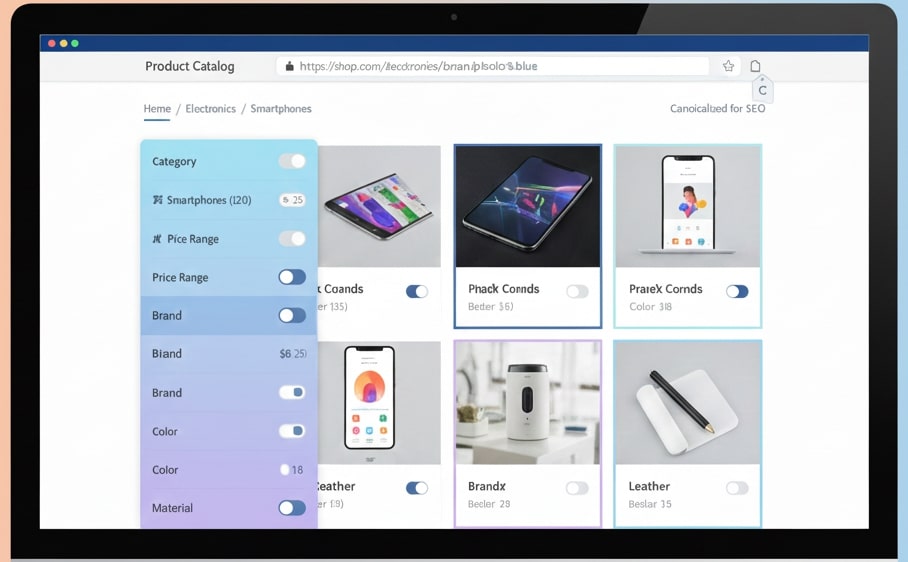
Effective for product catalogs where users filter by attributes. Implement canonical tags or parameter handling to prevent duplicate-indexing of similar filter combinations and use crawl limits for less useful parameter combinations.
Footer links
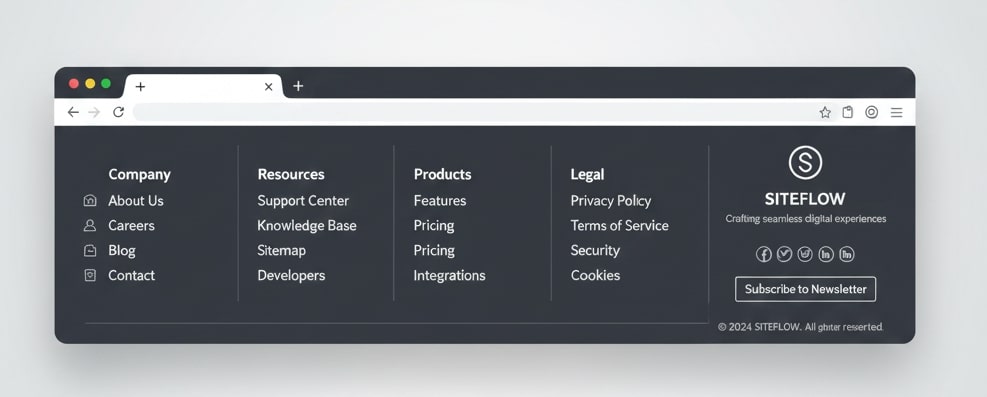
Footer navigation is a place for secondary links such as privacy policy, terms, careers, contact, and other less-used pages. Footers also help users who scroll to the bottom find additional info and can serve as a secondary navigation hub for SEO by linking to key resources, sitemap, and category pages.
Breadcrumbs
Breadcrumb trails reinforce site hierarchy, aid navigation back to higher-level pages, and provide search engines with structured context. Use consistent schema markup where applicable.
Technical considerations (crawlability, internal linking, and indexing)
Combine crawlability and internal linking best practices to make your structure both user-friendly and search-friendly.
- Sitemap and robots: Provide an up-to-date XML sitemap and manage robots.txt to avoid blocking important sections. Use
noindexfor thin pages rather than blanket disallow rules. - Internal link equity: Surface priority pages within a few clicks from the homepage. Use descriptive anchor text that reflects the destination topic instead of generic labels like “click here.”
- Limit excessive parameters and pagination: Consolidate or canonicalize similar pages and implement rel=”next”/”prev” or parameter handling to preserve indexation quality.
- Progressive enhancement: Ensure critical navigation is accessible as plain HTML, with JavaScript only enhancing interactivity. This helps bots and users with limited devices.
- Mobile-first structure: Design mobile navigation to mirror the information architecture so mobile crawlers and users access the same content paths.
Content and labeling strategies
Navigation labels should be concise, descriptive, and aligned with the language users and search engines expect. Use user research, analytics, and search query data to choose labels that reflect actual intent. Where appropriate, combine broad category pages with curated subpages to target both navigational and informational queries.
Measuring and iterating
Track metrics like click-through rates on primary menus, time to content discovery, bounce rates for entry pages, and crawl frequency. Run A/B tests on label wording and menu ordering, and review server logs and indexing reports to spot crawl bottlenecks. Small iterative changes based on data typically outperform large, speculative redesigns.