
This foundational guide explains what a site audit is, why a website health review matters, and the core areas to check for better search visibility and user experience. Designed for SEO beginners and even professionals who need a clear, practical introduction before diving into tools, comparisons, or step-by-step processes.
What a Site Audit Covers (High-Level)
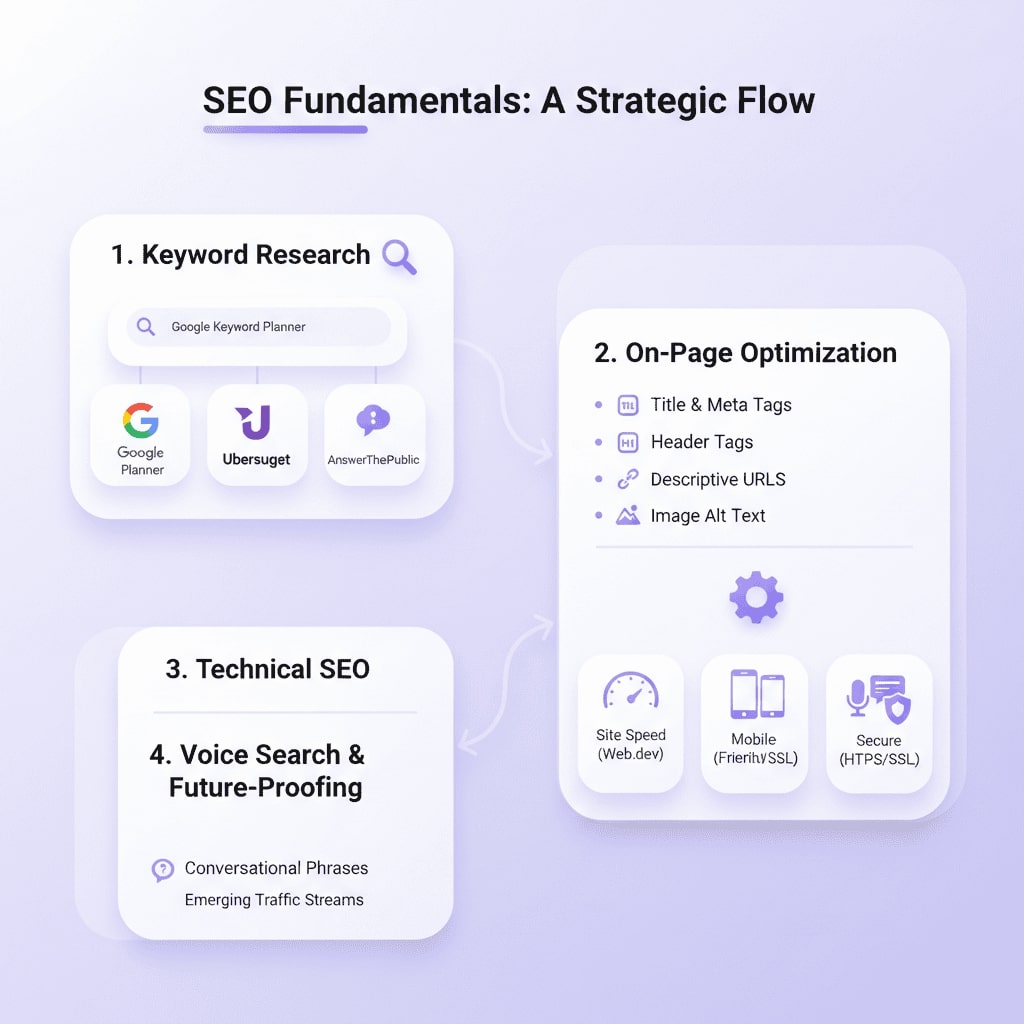
A site audit is a comprehensive website health review that evaluates search visibility, crawlability, indexability, and technical SEO. It also examines on-page optimization, content relevance, backlink profile, and user experience signals like page speed and mobile-friendliness. The goal is to identify issues that limit organic performance and prioritize fixes.
Why an SEO audit matters
If you’re asking what an SEO audit is, it’s a structured review of your site that uncovers technical, on-page, and off-page issues blocking search visibility and conversions. Regular audits prioritize high-impact fixes, prevent wasted budget on ineffective tactics, and boost organic performance by improving crawlability, content relevance, and user experience—so your site ranks better and converts more visitors.
How long does an SEO audit take?
A comprehensive SEO audit — the process typically takes from a few days to several weeks, depending on site size, complexity, and the depth of analysis required.
Who Should Perform or Request an Audit
Business owners, marketing professionals, web developers, and content creators benefit from audits. Beginners can use them to learn how search engines view their site; teams use audits to align SEO, development, and content priorities.
Use this SEO audit checklist to get more traffic and rank higher
This checklist covers the essential checks to perform during an SEO audit and practical recommendations so you can act quickly.
Use this Website audit checklist as the backbone to answer “what is an SEO audit” with actions that produce measurable improvements.
Getting Started: Practical Next Steps
Begin with a high-level site scan to identify major blockers, use an SEO audit tool (Screaming Frog, PageSpeed Insights, Ahrefs/Moz/SEMrush, and structured data testing tools), and connect analytics (GA4) and search console, and collect key performance metrics. From there, group issues into technical, on-page, and content priorities and create a simple roadmap for fixes and monitoring.
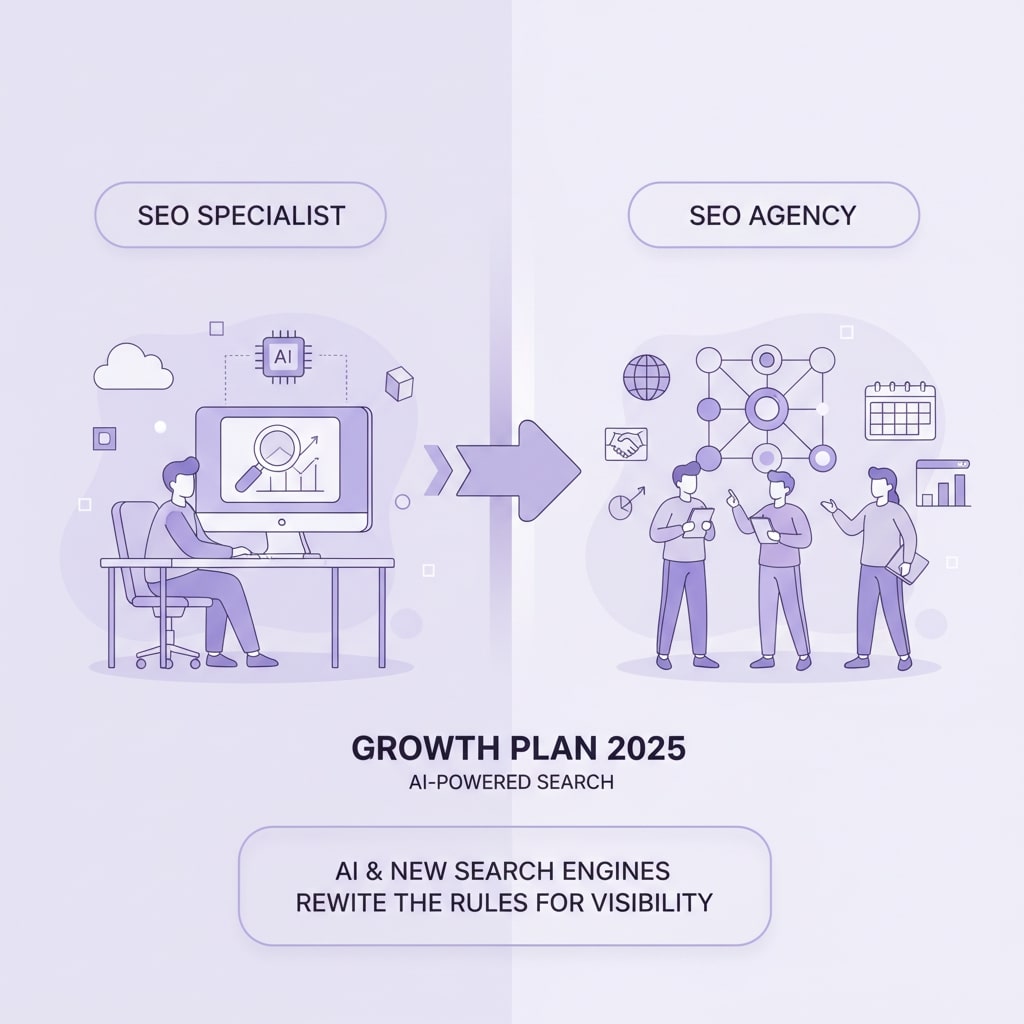
For business owners who prefer less hands-on work, hiring an experienced SEO specialist can jump-start the process and reduce hassle while ensuring the audit leads to measurable improvements.