
You probably saw “crawled – currently not indexed” in Google Search Console and wondered what it means for your site. It can feel confusing and frustrating when Google visits your page but doesn’t list it in search results. This post explains what that status means, why it happens, and exactly how you can fix it.
The goal is to give you clear, practical steps you can follow today. Whether you’re new to SEO or managing many pages, you’ll get a focused checklist and explanations that help you resolve the issue and avoid it in the future.

Table of Contents
ToggleKey Takeaways
- “Crawled – currently not indexed” means Googlebot visited your page but decided not to add it to the search index right now.
- Common reasons include quality concerns, technical issues, duplicate or thin content, and temporary processing delays.
- You should run an audit covering technical health, URL and link structure, content quality, and security to fix issues.
- There are no quick hacks—aligning with Google’s guidelines and improving page value is the long-term solution.
- Use systematic checks, prioritized fixes, and patience; monitor Search Console for progress.
Understanding What “Crawled – Currently Not Indexed” Actually Means
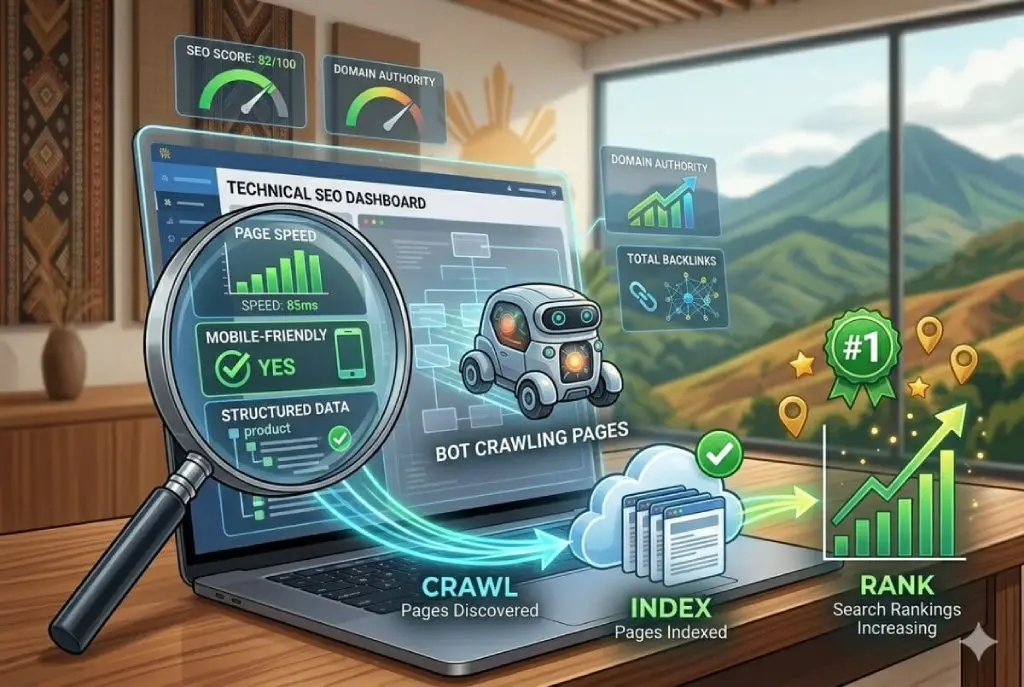
When Googlebot crawls your page, it reads the HTML, follows links, and inspects the content. “Crawled – currently not indexed” is a status saying Google saw the page but chose not to add it to the searchable index yet.
This isn’t a permanent verdict in every case. Sometimes it’s temporary while Google processes signals, and other times it’s a sign of deeper problems that need fixing.
Why Google Sees Your Page but Chooses Not to List It
There are a few straightforward reasons Google might skip indexing a crawled page. Often it’s because the page doesn’t meet the bar Google sets for quality, uniqueness, or usefulness.
Other times, indexing is delayed because of site-wide issues or conflicting signals that make Google pause. Understanding the reason helps you pick the right fix.
- Low perceived value compared to other indexed pages.
- Duplicate or near-duplicate content elsewhere on your site or the web.
- Technical directives (noindex tags, robots.txt) that block indexing.
- Temporary backlog or processing delay at Google’s side.
The “Request Indexing” Trap
In Search Console you can click “Request Indexing.” It can be useful for urgent fixes, but it’s not a magic button. Repeatedly requesting indexing for pages with quality or technical problems rarely helps.
Use “Request Indexing” after you fix the underlying issue. If nothing changed besides the request, Google will usually ignore repeated attempts until it sees improvement.
- Good use: after fixing a noindex tag, broken structured data, or major content upgrade.
- Poor use: requesting indexing for thin or duplicate pages without changes.
The Root Cause: Non-Adherence to Google Guidelines
When Google consistently skips pages, the root cause is often non-adherence to Google’s guidelines. That includes technical rules, spam policies, and the helpful content standard.
Fixing indexing problems is mostly about following those guidelines and proving your pages are useful and trustworthy.
Moving Beyond “Thin Content”
Thin content is content that adds little or no value to users. Examples include short pages with minimal information, pages that aggregate other sites’ content, or doorway pages created only to capture search traffic.
You should aim for pages that clearly solve a problem, answer a question, or provide unique value that users can’t get elsewhere.
- Expand articles with original insights, examples, or data.
- Combine related short pages into single, comprehensive pages.
- Remove or noindex pages that don’t serve a clear purpose.
The Three Pillars of Google Standards
Google’s expectations fall into three broad areas. Addressing each one helps improve your chances of indexing and ranking.
- Technical Guidelines: Ensure crawlers can access and render your pages correctly.
- Spam Policies: Avoid manipulative tactics and low-quality SEO tricks.
- Helpful Content Guidelines: Create content for real people that demonstrates expertise and usefulness.
A Comprehensive Audit Checklist to Fix Indexing Issues
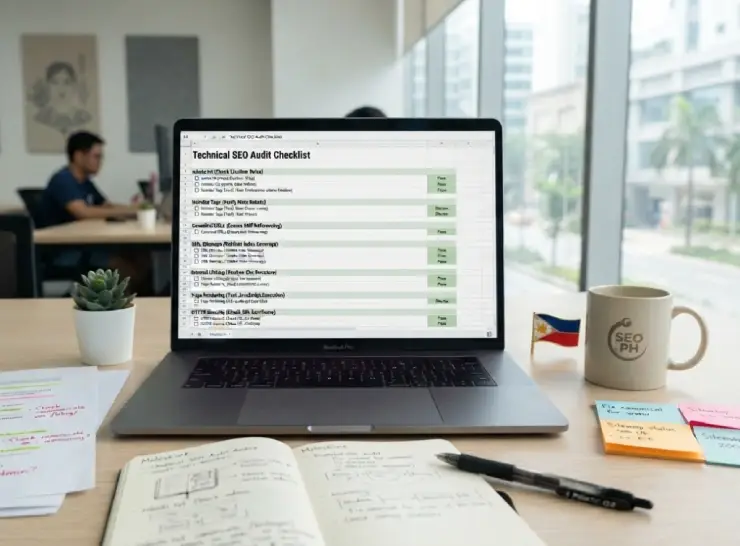
Run an audit that covers technical health, links and URLs, and content quality. Use the checklist below to identify problems and to prioritize fixes.
Work systematically: fix critical technical issues first, then improve content and internal linking. Re-check in Search Console after changes and be patient—indexing can take days to weeks.
Technical Requirements and Health
Start with the basics that allow Google to access and render your page. Robotics and rendering issues are a common cause of non-indexing.
- Robots.txt: Ensure the file doesn’t block important pages. Test with Search Console’s robots tester.
- Noindex tags: Remove accidental noindex meta tags or headers.
- Canonical tags: Confirm canonical URLs point to the correct, preferred page.
- Page loading and rendering: Make sure resources like CSS and JavaScript are accessible to Googlebot.
- Mobile-first: Verify the mobile version contains the same content and structured data as desktop.
Link and URL Structure Best Practices
Strong internal linking helps Google discover and understand the value of each page. Poor URL structure or isolation can leave pages orphaned and unindexed.
- Internal links: Add contextual links from relevant pages to help spread authority.
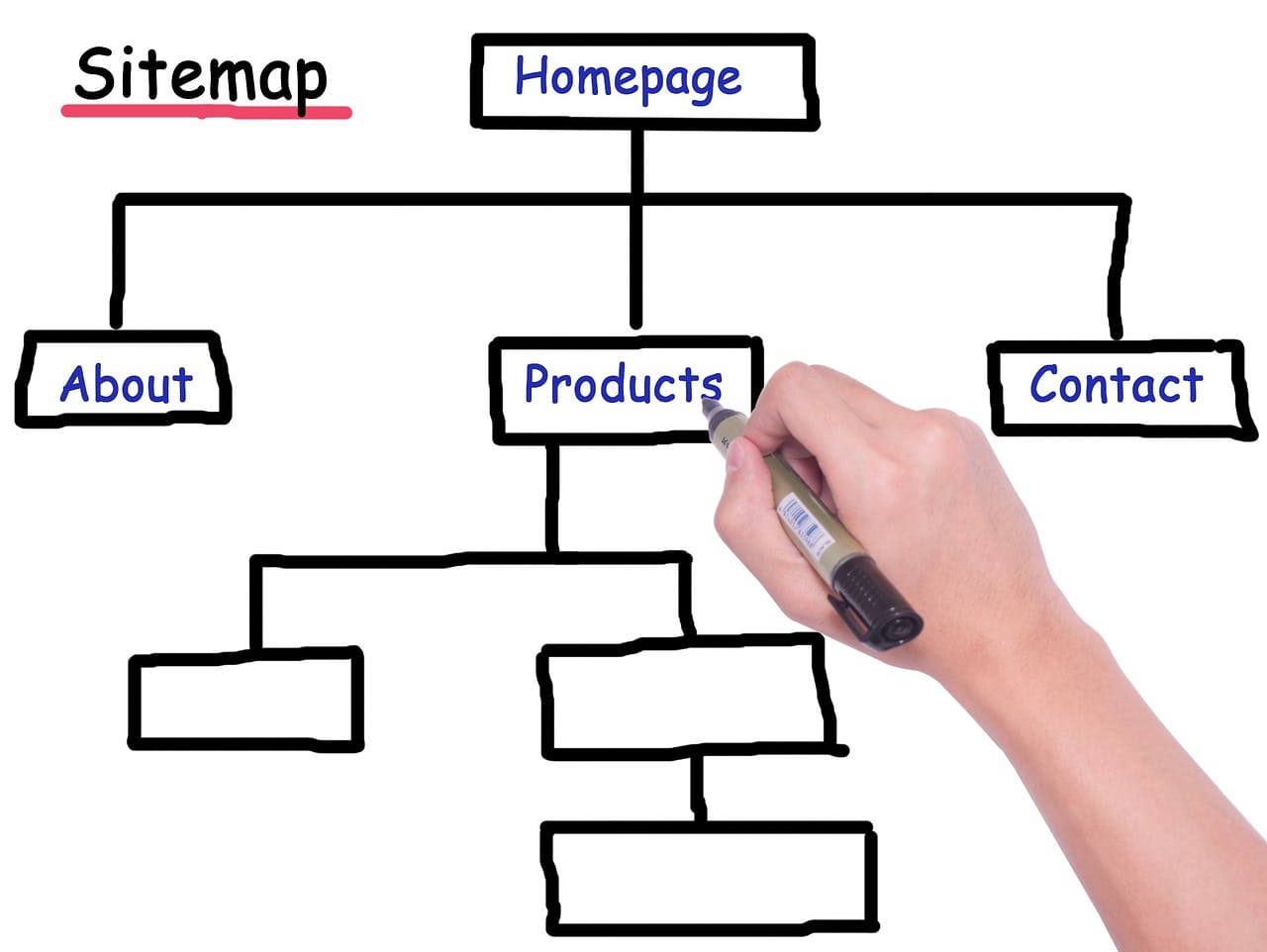
- XML sitemaps: Include canonical URLs and keep sitemaps updated. Submit them in Search Console.
- URL quality: Avoid dynamic or overly long query strings where possible.
- Redirects: Fix redirect chains and loops that block crawling or dilute signals.
- Indexable entry points: Ensure important pages are reachable within a few clicks from the homepage or main category pages.
Content Quality and Security
Content must be helpful, unique, and trustworthy. Security and user experience also influence Google’s decision to index and rank pages.
- Unique value: Offer original analysis, practical steps, or data that users can’t find elsewhere.
- Content length and depth: Expand thin pages to cover topics comprehensively at the level users expect.
- Structured data: Add schema where relevant to help Google understand content type and intent.
- HTTPS: Serve pages over HTTPS and fix mixed-content issues.
- User trust signals: Include clear authorship, contact info, and privacy policies for YMYL topics.

Why There Are No Shortcuts to Indexing
Many site owners look for plugins, tricks, or shortcuts to force indexing. These tactics rarely work and can risk penalties if they cross spam boundaries.
The reliable path is consistent quality and correct technical setup. That combination is what prompts Google to add pages to the index and keep them there.
Why Tools and Plugins Won’t Force Google’s Hand
Plugins can help with SEO basics—sitemaps, meta tags, structured data—but they cannot make Google view your content as valuable. Indexing is driven by Google’s assessment, not by tool requests.
Rely on tools for implementation and monitoring, not as a shortcut for quality. Use them to detect problems, then fix the root cause.
- Plugins automate tasks but don’t create unique content.
- Search Console and logs reveal real signals; use them to prioritize fixes.
- External tools can help with audits but follow Google’s guidelines for final decisions.
The Only Real Fix: Aligning with Google Search Standards
If you focus on giving users clear value and ensuring Google can access and understand that value, indexing problems often resolve on their own.
Prioritize fixes by impact: technical blockers first, then content improvements, then internal linking and authority building.
- Fix access and indexing blockers immediately.
- Improve content to meet user intent and be distinct from competitors.
- Strengthen internal links and external signals gradually.
Long-Term Maintenance for Better Results
“Crawled – currently not indexed” is a signal, not an irreversible verdict. It tells you Google looked but didn’t find the page ready for search results. Your job is to address the reasons why.
Use the audit checklist, prioritize technical fixes, and improve content where it lacks value. Be patient and track changes in Search Console. Over time, consistent quality and a healthy technical setup will increase the chances that your pages are indexed and seen by users.
Remember that SEO is ongoing. Keep monitoring site health, update content for freshness and usefulness, and follow Google’s guidelines. That steady work pays off with better indexing and more reliable visibility.
FAQ
How to fix a page that is crawled but currently not indexed?
Start by checking for technical issues: use Google Search Console to inspect the URL for crawl errors, soft 404s, or noindex tags. Ensure the page is not blocked by robots.txt, has a valid HTTP status (200), and uses canonical tags correctly. Improve the page quality—add unique, useful content, clear headings, and internal links from relevant pages. Submit the URL for reindexing in Search Console after fixes and monitor server logs to confirm Googlebot access. If the page is thin or duplicate, consider consolidating or enhancing it rather than forcing indexing.
Is 'crawled, currently not indexed' bad for SEO?
Not necessarily. This status simply means Google has crawled the page but hasn’t added it to the index yet. It can be temporary due to low priority, low perceived value, or indexing backlog. However, if many important pages show this status, it can harm organic visibility. Focus on technical health and content quality to improve index chances.
When should I not worry about a page being 'crawled, currently not indexed'?
Don’t worry if the page is low-value by design (e.g., admin pages, utility pages, staging content), intentionally excluded, or recently published and still within Google’s indexing queue. Also acceptable for pages that are intentionally thin or duplicate where you prefer canonical or consolidated versions to be indexed instead.
What does "not indexed" mean?
“Not indexed” means the search engine has not included the page in its searchable index, so it won’t appear in search results. Reasons include noindex directives, crawl errors, low-quality or duplicate content, URL parameters creating non-canonical pages, or temporary processing delays. Use URL inspection tools to see the exact reason and any suggested fixes.
What is the difference between crawling and indexing?
Crawling is the process where search engine bots discover and fetch pages by following links and sitemaps. Indexing is the subsequent step where the search engine processes the fetched content, evaluates its relevance and quality, and decides whether to store it in its index for search results. A page can be crawled but not indexed if it fails indexing criteria or is deprioritized—this is the crawled currently not indexed meaning in practical terms.